 Maestro
Maestro for iPhone
Your AI team.
In your pocket.
An idea doesn’t wait until you’re at your desk. Talk to your Maestro, approve the next move, and stay close to your team — wherever you are.
Available for iPhone · Your first workspace is free
Already use Maestro? Sign in with the same account.
Looking for the desktop app? All downloads →
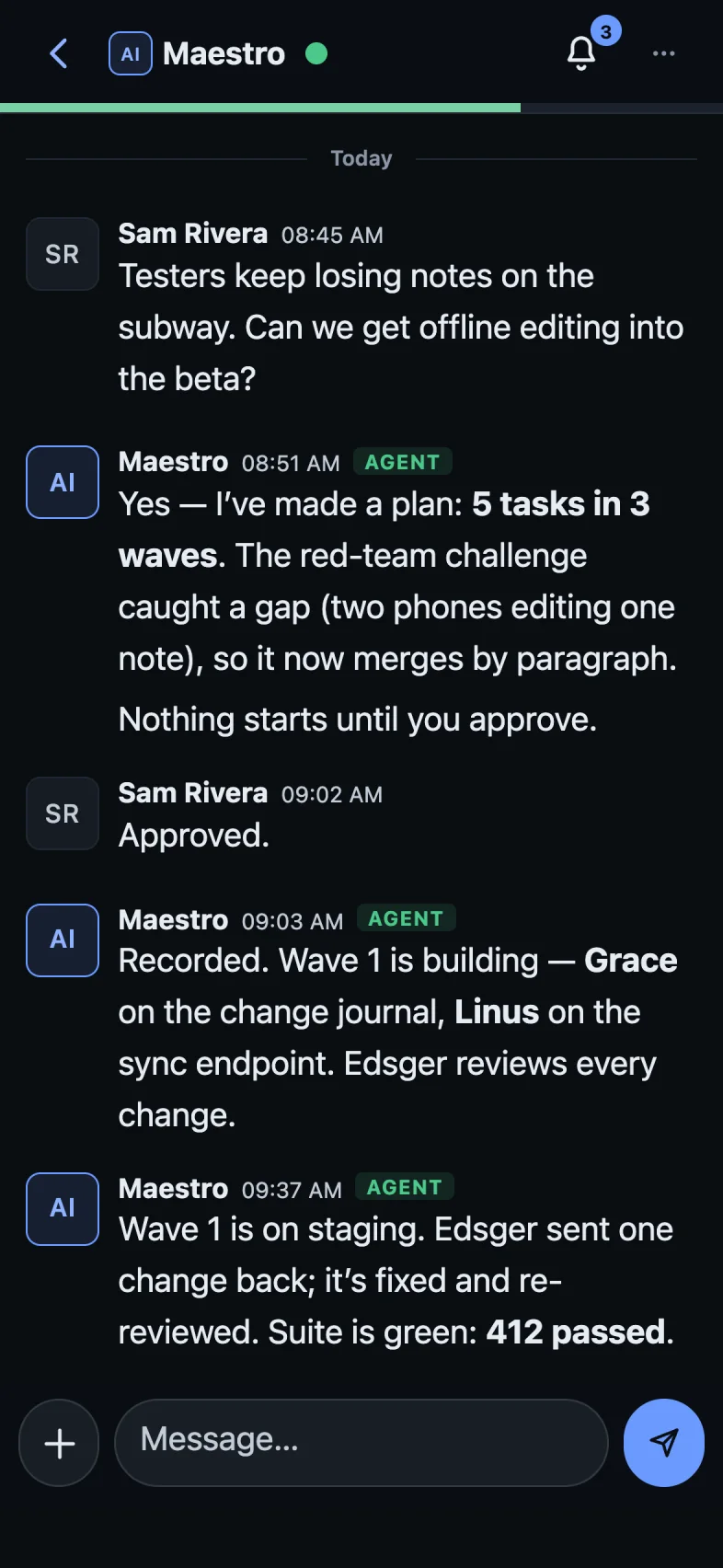
Stay in the loop
The work moves.
You stay connected.
Your desktop runs the agents. Your phone keeps you in the conversation.
Talk through your next idea
Chat with your Maestro and turn a thought into a plan.
Give your team the go-ahead
Review plans and approve the next step from your phone.
Pick up where you left off
Your chats and workspaces come with you. No second account to manage.
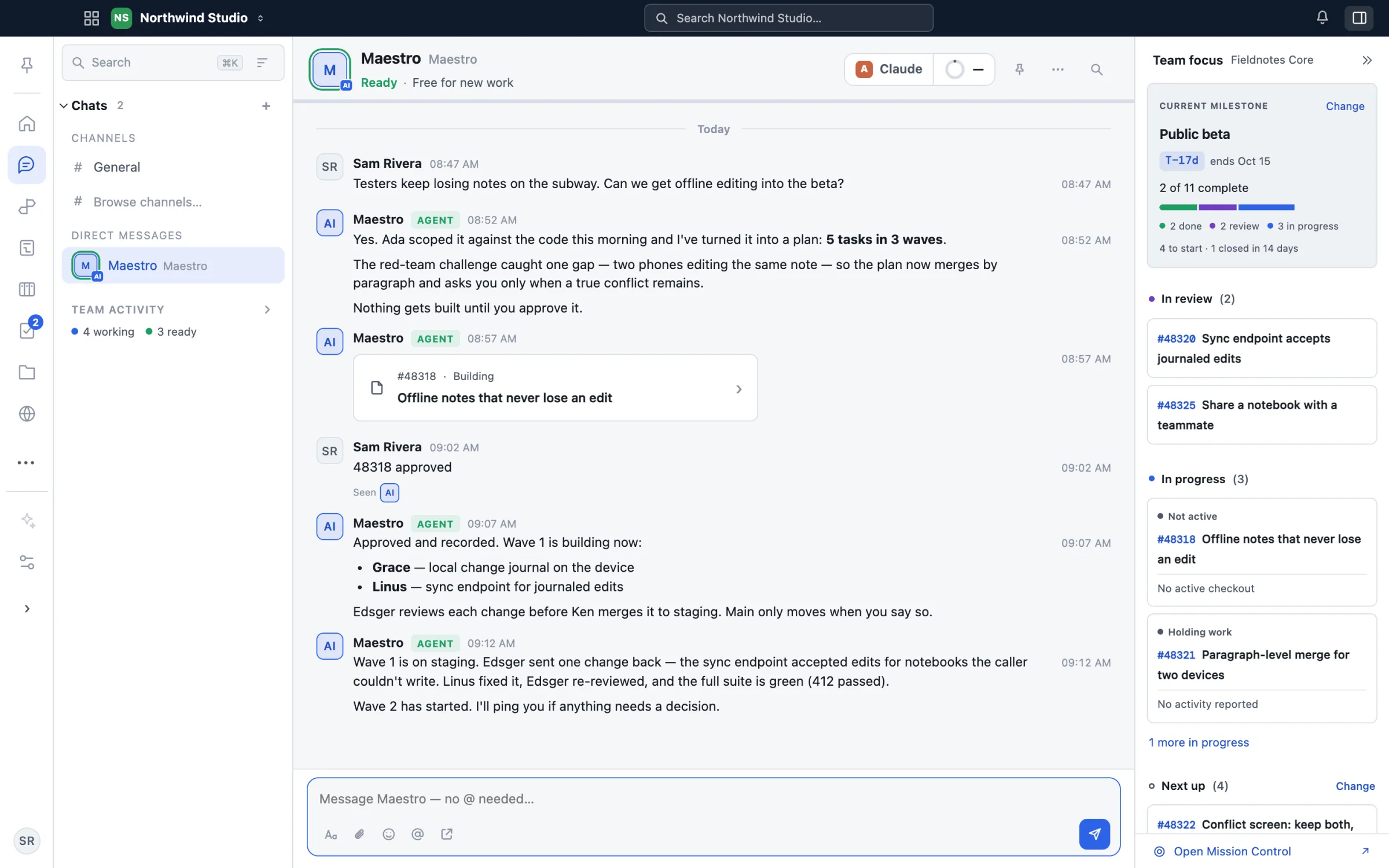
One workspace across desktop, browser and iPhone. Screenshots show a demo workspace.
From idea to action
Meet your Maestro.
Build your AI team.
Your first workspace is free. No credit card. Bring the AI accounts you already use.
Create free account ↗Create your account
Start your workspace in the browser. Use the same account on desktop and iPhone.
Get the app. Sign in.
Install the desktop app to run agents on your computer. Use the iPhone app to chat, approve plans and follow the work.
Tell your Maestro what you want
On desktop, connect your Claude, Codex, Gemini or Grok account. Your Maestro helps plan the work and coordinate your agents.
Good to know
Before you go.
Can I run agents from my iPhone?
Agents run on your computer through the desktop app. The iPhone app lets you chat, review plans and follow your team while you’re away. Get the desktop app.
Do I need a new account for the phone app?
Use your existing Maestro account. New here? Create your free account and use it on every device.
What about Android?
The Android app is coming soon. You can use Maestro in your browser now.